


In our daily conversations with clients, we often hear things like:
“We’ve got a NAS, so our files are completely safe.”
“Once our server is up and running, we don’t need to worry about data loss.”
Unfortunately, this is a dangerous misunderstanding. At Escom Tech, we’re here to clear the air.
🔍 Common Client Misconceptions
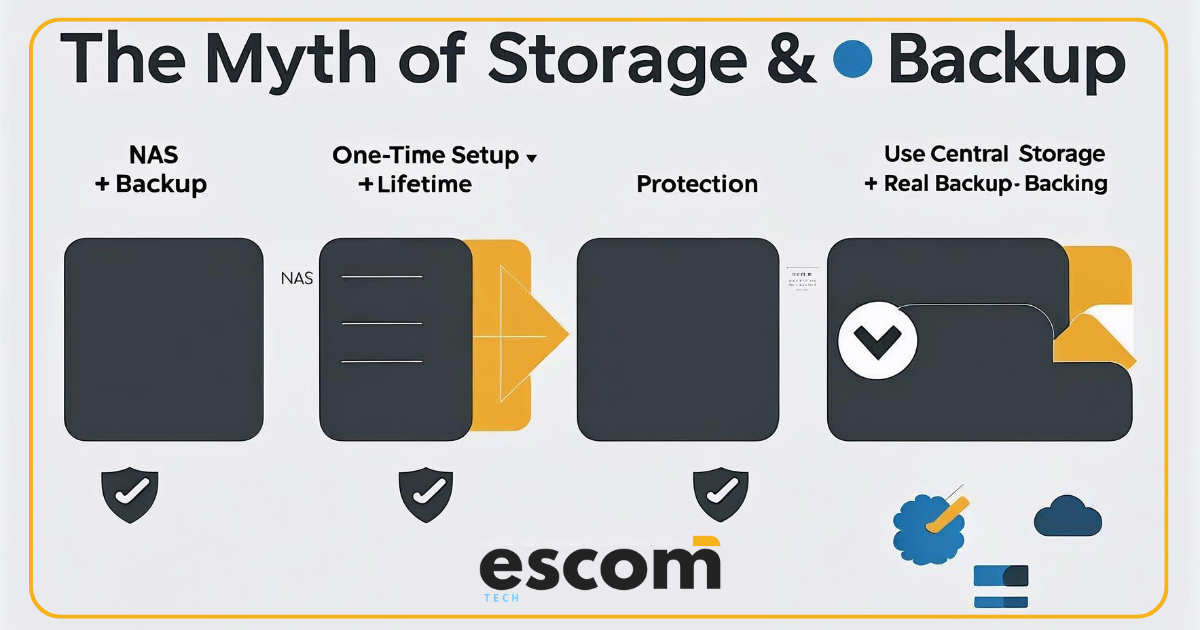
❌ Myth 1: “A NAS is a Backup.”
No, it’s not.
A NAS (Network Attached Storage) is for central file storage and sharing, not for data backup. If it gets corrupted, attacked, or physically damaged—your data is gone.
❌ Myth 2: “One-Time Setup Means Lifetime Security.”
NAS and servers are only as secure as the systems around them. Without:
• Regular software/firmware updates
• Active monitoring
• Offsite or cloud backups
…you’re exposed to hardware failure, ransomware, and accidental deletion.
🧠 Understand the Core Concepts
🗂️ What Is Central Storage and Sharing?
• A centralized location (like a NAS or server) for files used by multiple users/devices
• Enables controlled access, version management, and collaboration
• Easier to manage, secure, and back up than scattered local files
💾 The Role of Backup
• A backup is a second (or third) copy of your important data
• Should be automated, encrypted, and versioned
• Can be stored onsite, offsite, or in the cloud
🔄 Why You Need Additional Backup
• Backup of your NAS/server data in a separate location (cloud or external disk)
• Includes versioning and ransomware recovery options
• Ensures business continuity in case of a major failure
✅ We Recommends
For every SME using a NAS/server, we strongly advise:
1. 🧠 Understand your setup—it’s not a “set-and-forget” device
2. 💾 Implement backup + additional backup
3. ☁️ Use hybrid or managed solution integration for flexibility and redundancy
4. 🛡️ Add monitoring, permissions, and disaster recovery protocols
🎯 Final Word
Storage is not Backup
Backup is not Security
It’s the full system that makes your business safe—not the box.





 AMC / Tech Service
 IT Infrastructure
 Wireless Solutions WiFI
 Telecommunication
 Surveillance CCTV
 Access Control
 Web & Marketing